Microsoft AI training is a set of free self-paced modules, role-based learning paths and certification exams, hosted mainly on Microsoft Learn, that teach you AI concepts and Azure AI services and let you prove those skills with a credential. For a professional aiming at a hire or promotion, the most useful approach is to learn the fundamentals first, build something practical, then sit a recognized exam. One caution before you plan anything: Microsoft changes its exam lineup often, so confirm the current exam code before you start studying.
This guide explains what the training covers, how the certification track has changed, how to build a study plan, and how to turn the learning into evidence an employer will trust.
What does Microsoft AI training include?
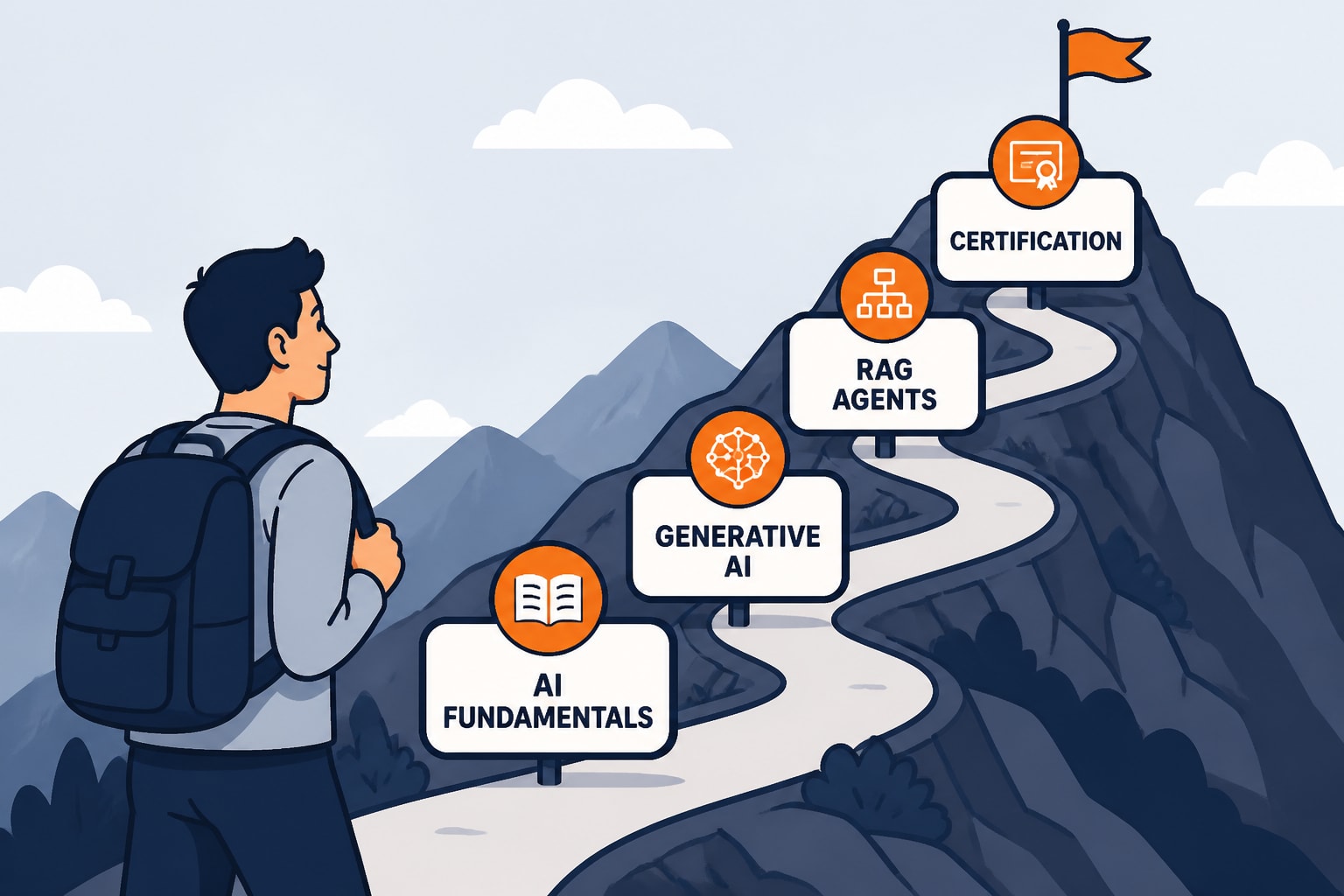
Microsoft AI training covers four broad areas: foundational AI literacy, hands-on use of Microsoft Copilot and Azure AI services, role-based technical paths, and certification exams. Most of the material sits on Microsoft Learn as short modules with knowledge checks and sandbox exercises.
The main components are:
- AI fluency modules: Short introductions to generative AI, large language models and Microsoft Copilot, written for people with no technical background.
- Azure AI learning paths: Structured sequences covering machine learning, computer vision, natural language processing and generative AI workloads on Azure.
- Role-based tracks: Deeper material for engineers, data scientists and developers who build or deploy AI solutions.
- Education-focused training: A beginner-oriented course on AI in education that introduces large language models, prompt engineering and responsible use.
- Certification exams: Proctored assessments that produce a credential you can place on a resume or professional profile.
The material is accurate and well maintained, but it is designed as reference content. It tells you what a service does and how to configure it. It does not, by itself, give you a portfolio or a study structure, which is why many learners pair it with a guided program.
Who is Microsoft AI training for?
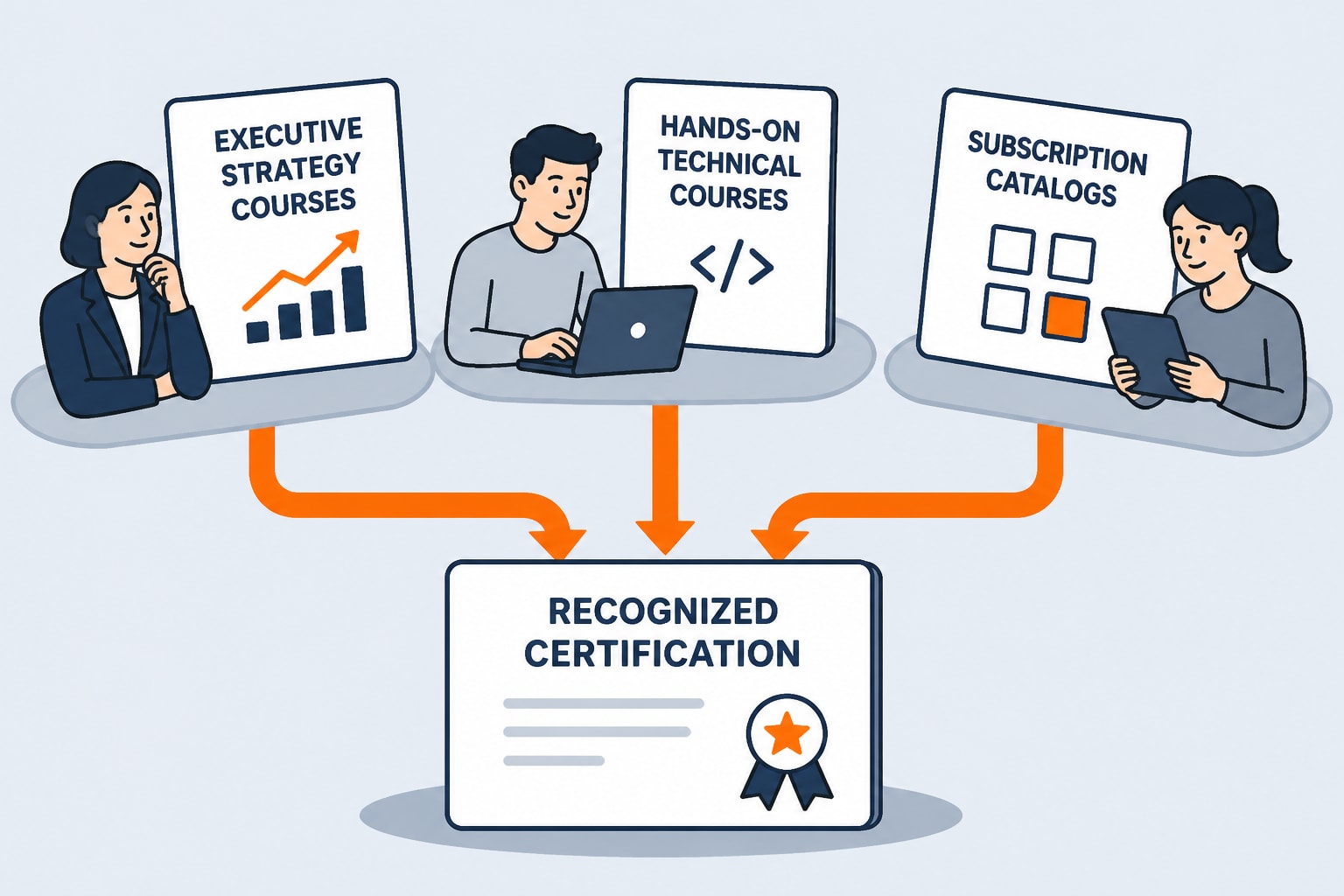
Microsoft AI training suits three groups: career switchers who need a credible entry point, working professionals who must use AI tools in their current role, and technical staff moving toward cloud AI engineering.
Career switchers benefit most from the foundational track. It requires no coding, uses plain language and ends in a recognized credential. Professionals in operations, marketing, finance or project management can stop after the fluency modules and Copilot training, since their goal is productive use of AI rather than building models. Developers and analysts should treat the foundations as a short warm-up before moving into role-based paths.
The need is real. In Microsoft's 2025 education report, 45% of educators globally and 52% of U.S. students said they had received no AI training. The same report found that most global educators and education leaders viewed AI literacy as essential to every student's basic education. Employers draw the same conclusion: AI literacy is becoming a baseline expectation, and a documented credential separates serious candidates from people who simply say they use ChatGPT.
Which Microsoft AI certification should you pursue in 2026?
The right certification depends on your starting point, and the current answer must come from Microsoft's exam page, because the fundamentals exam changed this year. Microsoft's own exam page states that AI-900 has been retired and replaced by AI-901. Many third-party study guides and videos still reference AI-900, so check the official page before you buy any prep material.
For context on what the fundamentals credential tests, the final AI-900 study guide listed five skill areas: AI workloads and considerations, machine learning, computer vision, natural language processing and generative AI. According to the AI-900 study guide on Microsoft Learn, generative AI was the largest share of the skills measured, while each of the other four areas carried a smaller weighting. That weighting is a useful signal even for the successor exam: generative AI is now the single largest topic, so it deserves the largest share of your study time.
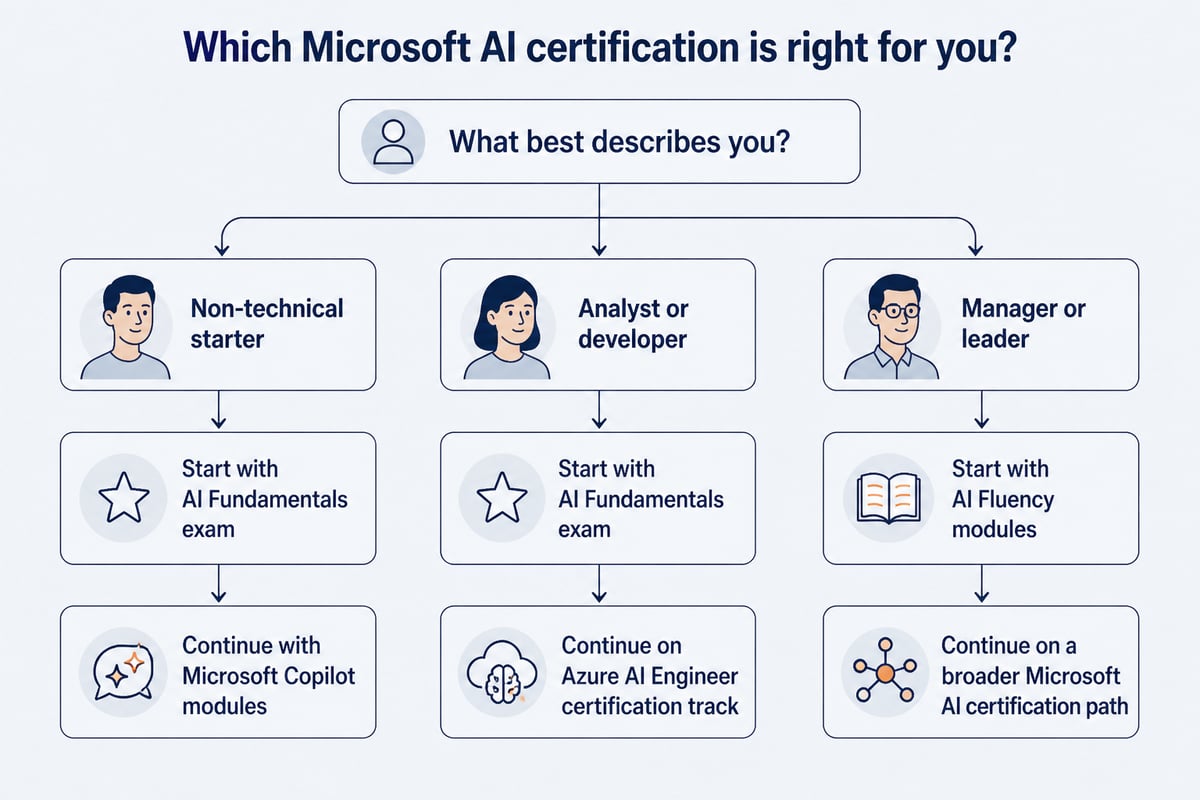
Use this table to match a starting point to a path:
| Your situation | Suggested path | Typical goal |
|---|---|---|
| New to AI, non-technical role | Fundamentals-level exam plus Copilot modules | Credible entry credential |
| Analyst or developer, some Python | Fundamentals, then Azure AI engineer or data science tracks | Move into AI-focused roles |
| Manager or team lead | AI fluency modules, then a broader certification path | Lead AI adoption with informed judgment |
If you are weighing Microsoft against other vendors, MammothClub's overview of the top AI certifications compares the options by role and difficulty.
How should you structure a Microsoft AI training plan?
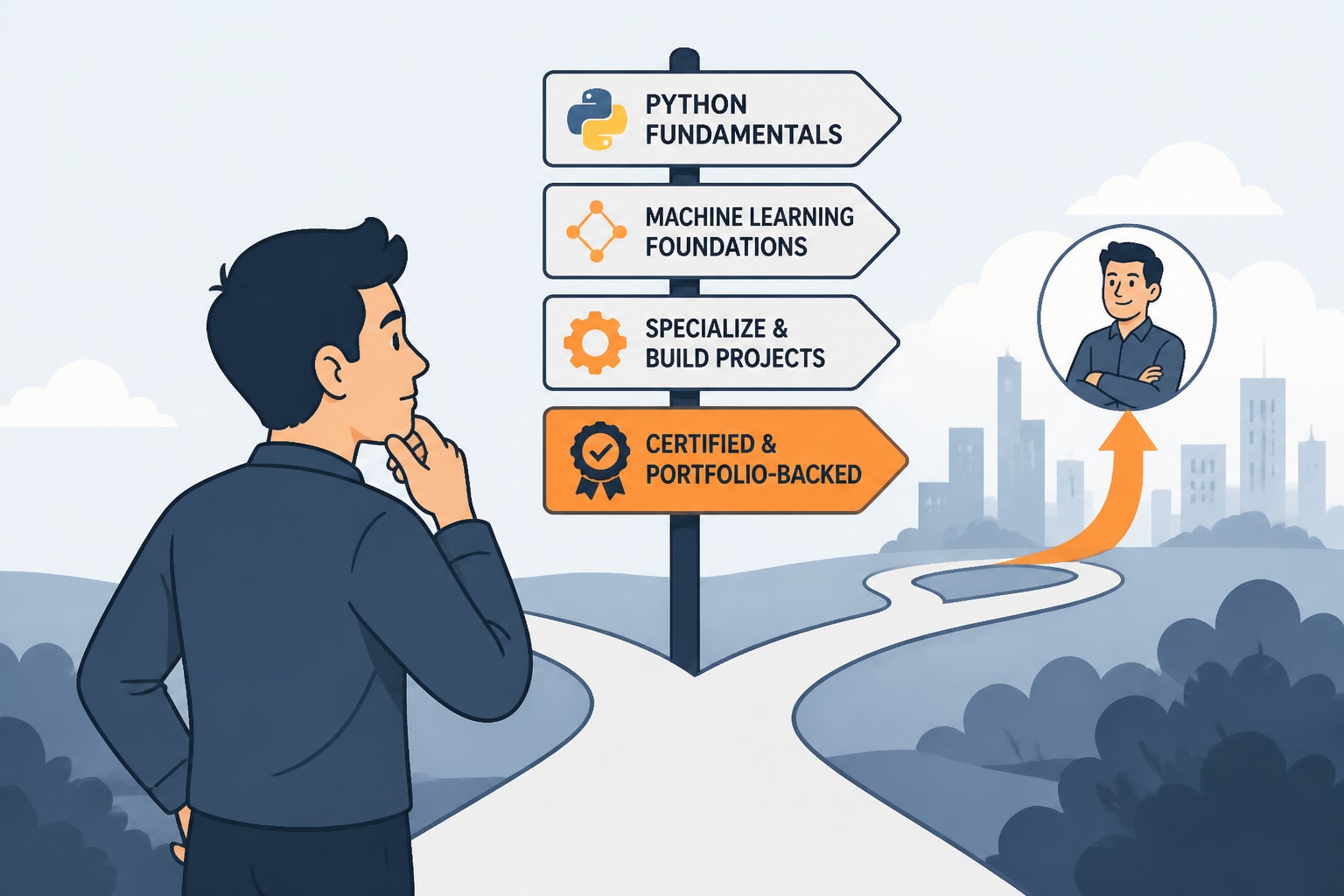
A workable plan has four stages that move from concepts to proof: learn the vocabulary, practice on real tools, build a small project, then take the exam. Most people with a full-time job can complete this in six to ten weeks at five to seven hours per week, though individual pace varies.
- Learn the vocabulary (weeks 1 to 2). Cover machine learning basics, the difference between classification and regression, and what generative AI and large language models do. Do not skip responsible AI principles; they appear in both exams and interviews.
- Practice on real tools (weeks 3 to 4). Use the Microsoft Learn sandboxes and Microsoft Copilot to test each concept. Reading about computer vision teaches less than running an image through a service and inspecting the output.
- Build a small project (weeks 5 to 6). Choose a problem from your own work, such as summarizing support tickets or classifying documents, and document the approach and the results.
- Take practice questions, then the exam (weeks 7 to 10). Timed practice reveals weak areas faster than rereading notes does.
Weight your time using the exam's own proportions. Give generative AI the largest block, then split the rest roughly evenly across machine learning, vision, language and general AI concepts.
Is free Microsoft training enough to get hired?
Free Microsoft training is enough to learn the material, but on its own it rarely gives a hiring manager enough evidence. The modules show that you completed content. Employers want proof that you can apply it.
Three gaps tend to appear:
- No structured assessment. Knowledge checks are short and low stakes, so they do not reproduce exam pressure.
- No portfolio. A module completion badge does not demonstrate a working solution.
- No guidance on sequencing. Learners often jump between topics without a plan and discover weak areas late.
A hiring manager reviewing a career switcher's resume will look for a credential, one or two concrete projects and the ability to explain tradeoffs in plain language. The Microsoft credential covers the first item. You have to supply the other two, and the project is the part that most improves interview outcomes.
How can a structured program fill those gaps?
A structured program supplies the sequencing, assessment and portfolio work that self-study lacks. MammothClub is built around that model. Its certification paths include assessments and project work, and its courses are text-first so you can apply a lesson the same day you read it. Its courses are written to be applied on the job, and its content is revised as tools change, which matters in a field where exam content shifts within a year.
For this topic, the Mammoth Club Unlimited Membership is the closest fit: one membership covers courses, certification paths, practice exams, tools and digital assets, with more than 500,000 practice exam questions available for timed exam rehearsal. That volume lets you drill each skill area repeatedly rather than memorizing a single question set.
MammothClub is a paid, structured platform, so it will not suit anyone who only wants free content or a single short video. If you want a guided route, its guides to Microsoft AI certification and AI certification online are good places to compare options before committing.
What skills should you build beyond the exam?
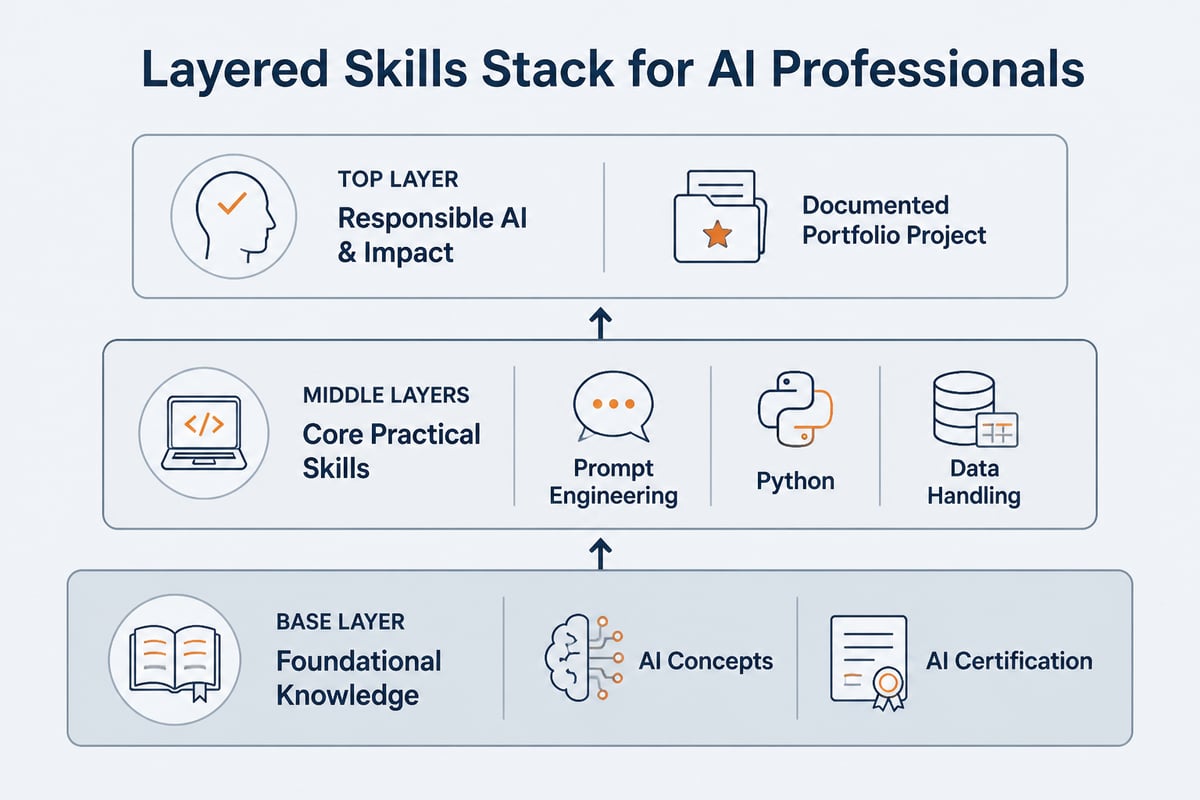
The skills that most improve your hiring prospects are prompt engineering, basic Python and data handling, and the ability to evaluate AI output critically. The exam tests concepts; employers test judgment.
Prompt engineering is the fastest practical win. Writing precise, constrained prompts and knowing how different models respond is a skill you can use in any role the same day you learn it. Python fluency matters if you want to move beyond using AI tools toward building with them, and the AI and machine learning courses overview outlines a sensible progression from scripting to model work.
Responsible AI deserves equal attention. Be ready to explain fairness, reliability, privacy and transparency with an example from your own domain. A candidate who can describe how a model might misclassify a document and what review step would catch it sounds far more credible than one who recites definitions.
How do you turn the credential into a job offer?
Present the credential together with evidence of applied work, and make both easy to verify. Passing the exam is the start of the process, not the end.
Put the certification near the top of your resume and add a one-line description of each project underneath it, naming the problem, the tool and the measurable outcome. If you cannot measure the outcome, describe the before and after state, such as hours saved on a recurring report. On professional profiles, add the credential in the certifications section so recruiters searching by keyword find it.
For international professionals who need to demonstrate extraordinary ability for work authorization, specialist guidance on visa categories can be worth consulting, for example O1 Experts, which assists with O-1 visa applications. Those with a portfolio of published AI work and recognized credentials may have a stronger case than they assume.
In interviews, prepare two short stories: one about a problem you solved with an AI tool and one about a limitation you discovered and handled. Employers hiring for AI-adjacent roles consistently want to see that you understand where the technology fails.
What are the pros and cons of Microsoft AI training?
Microsoft AI training has clear strengths and a few practical limits, and weighing both helps you decide how much to rely on it.
Pros
- Authoritative content straight from the vendor of the platform you will use at work
- Free, self-paced modules with hands-on sandboxes
- A recognized credential that hiring managers can verify
- A beginner-friendly entry point with no coding requirement
Cons
- Exam codes and skill outlines change, so older study material can mislead
- Limited portfolio guidance and no personalized feedback
- Vendor focus, so you learn Azure services more than neutral AI theory
- Easy to start and abandon without a deadline
The vendor focus is worth planning around. If your target employers use a different cloud, balance Microsoft's material with vendor-neutral fundamentals so your skills transfer.
Frequently asked questions
How long does Microsoft AI training take?
A fundamentals-level path typically takes six to ten weeks at part-time pace. Role-based technical tracks take longer, depending on your background and how much hands-on practice you add.
Do I need to know how to code?
No, not for the foundational track or the Copilot modules. Coding becomes useful when you move into engineer or data science paths, and a short Python course is a sensible bridge.
Is the old AI-900 exam still worth studying for?
AI-900 has been retired and replaced by AI-901, so study for the current exam. Much of the underlying content overlaps, but verify the skills outline on Microsoft's exam page before you begin.
Can I learn Microsoft AI skills for free?
Yes, the core modules are free on Microsoft Learn. A paid program makes sense if you want structured assessments, practice exams and portfolio projects that free content does not provide.
How do I keep my AI skills current?
Revisit your exam's skills outline each quarter, repeat a small project with a newer tool, and use a platform that updates its labs regularly. AI tooling changes fast enough that skills decay within months if unused.
Does cognitive stamina matter during long study blocks?
Sleep, breaks and consistent scheduling matter more than any supplement. Some learners explore focus aids such as Microdoseman, but short, scheduled study sessions deliver more reliable results.
Start today by opening the current exam page on Microsoft Learn, noting the exact exam code and skills outline, and blocking study sessions in your calendar for the next six weeks. To add structure, timed practice and a portfolio to that plan, the Mammoth Club Unlimited Membership bundles courses, practice labs and more than 500,000 practice exam questions in one place. If you are ready to build your credential with everything in reach, Start unlimited with MammothClub and turn your study plan into a certification employers recognize.